
Bitaqati installing Guide
Hello. With this simple tutorial, I will show you how to install the "Bitaqati" script
First, upload the ZIP file to your hosting
number 3 extract your zip file
and open the browser and View the domain path
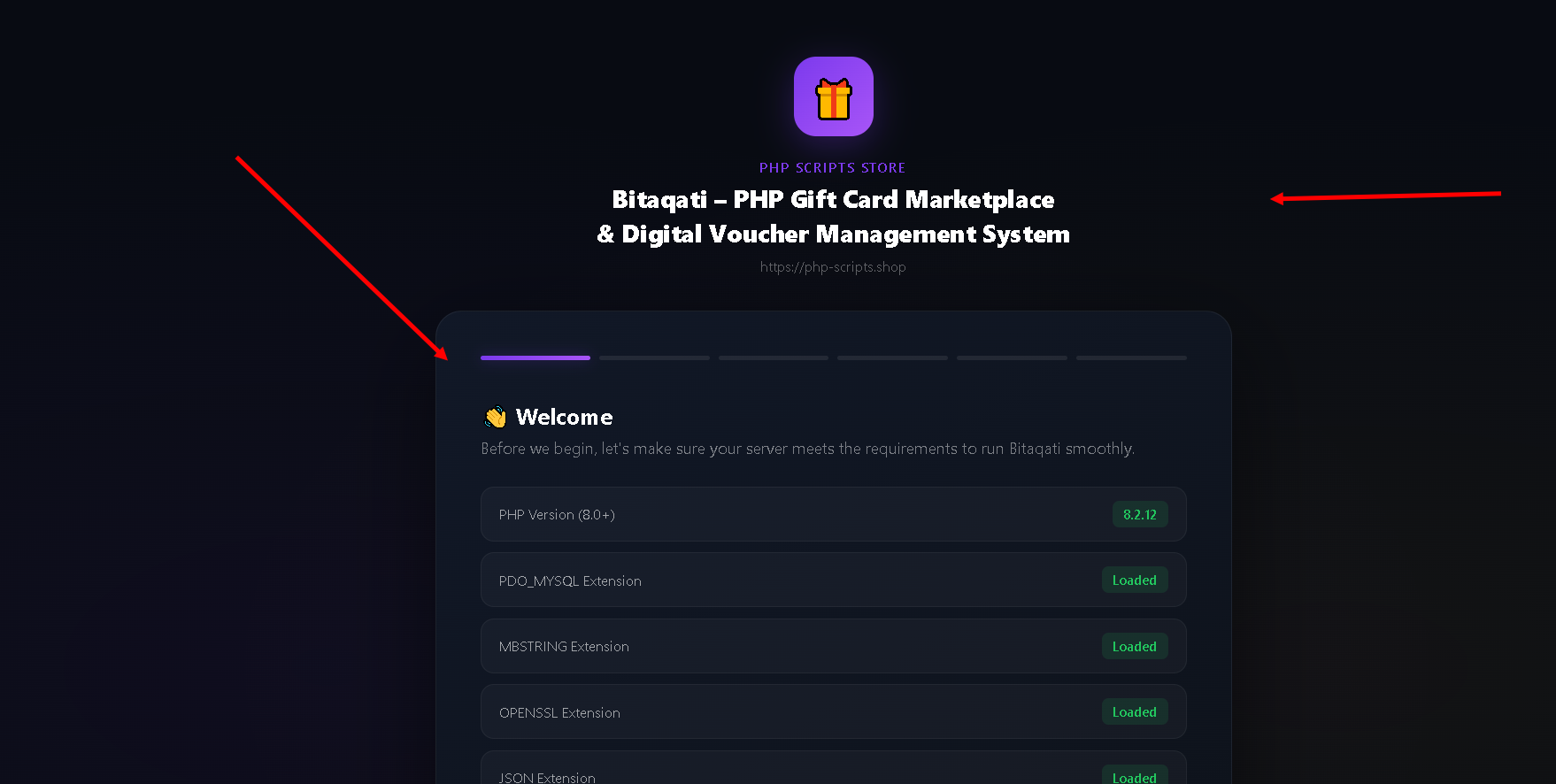
Number 4 Don't forget to check the file permissions Folders 755
and this folders config upload storage
permissions 755
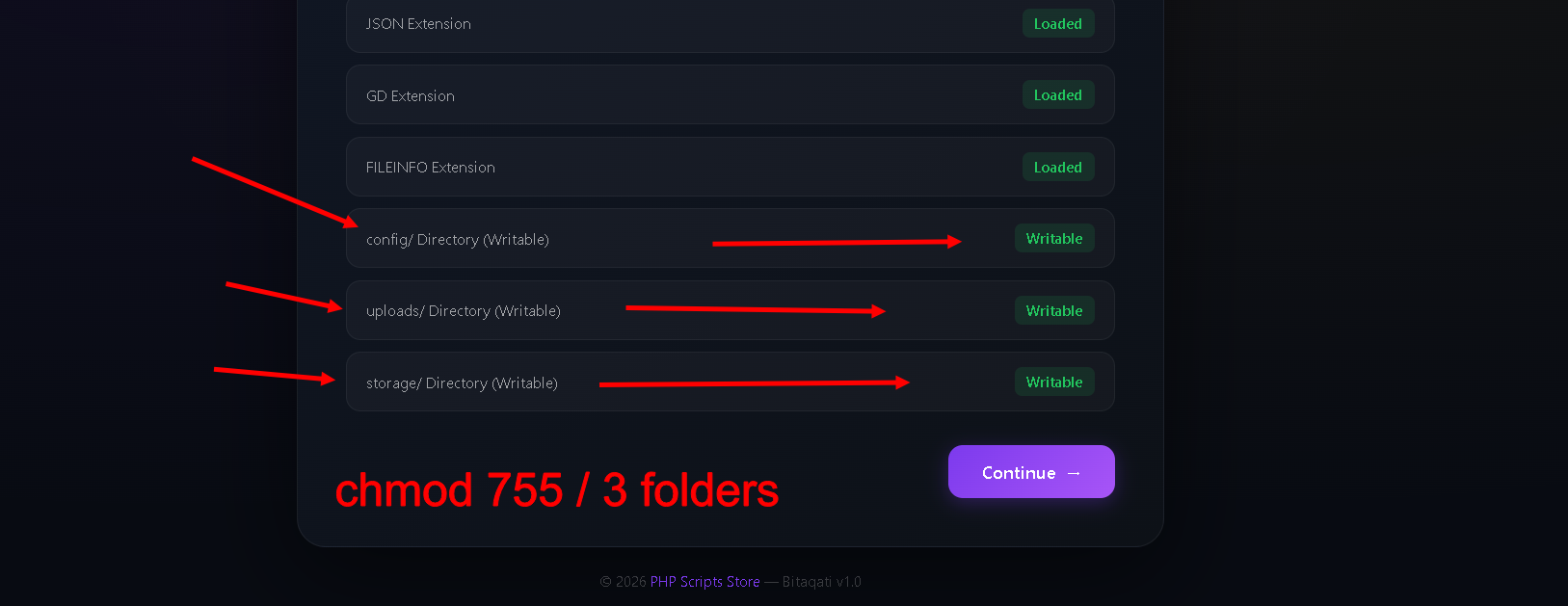
and click continue
number 5 setup your license Key you have get it after purchase
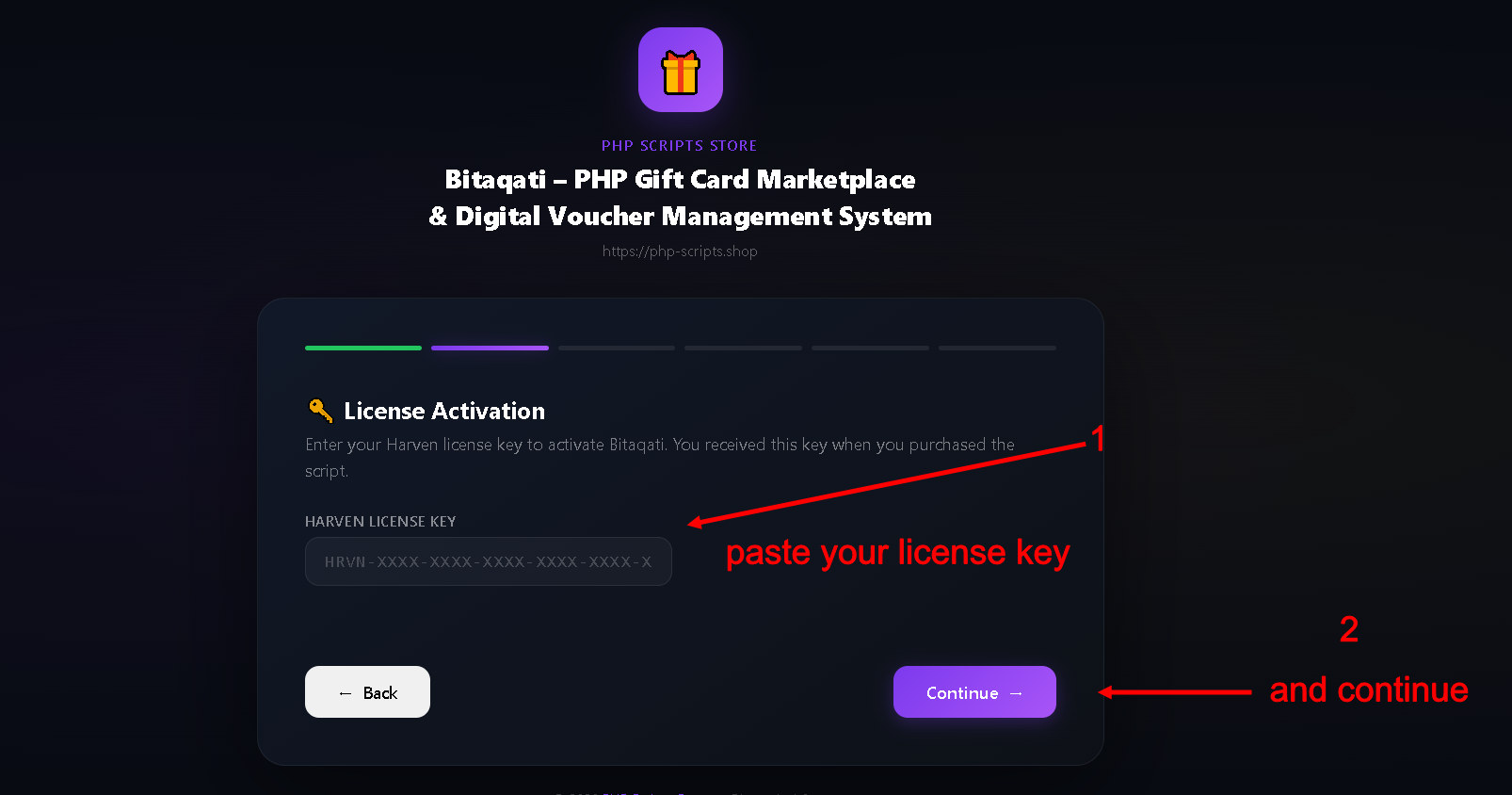
and click continue and now setup your database
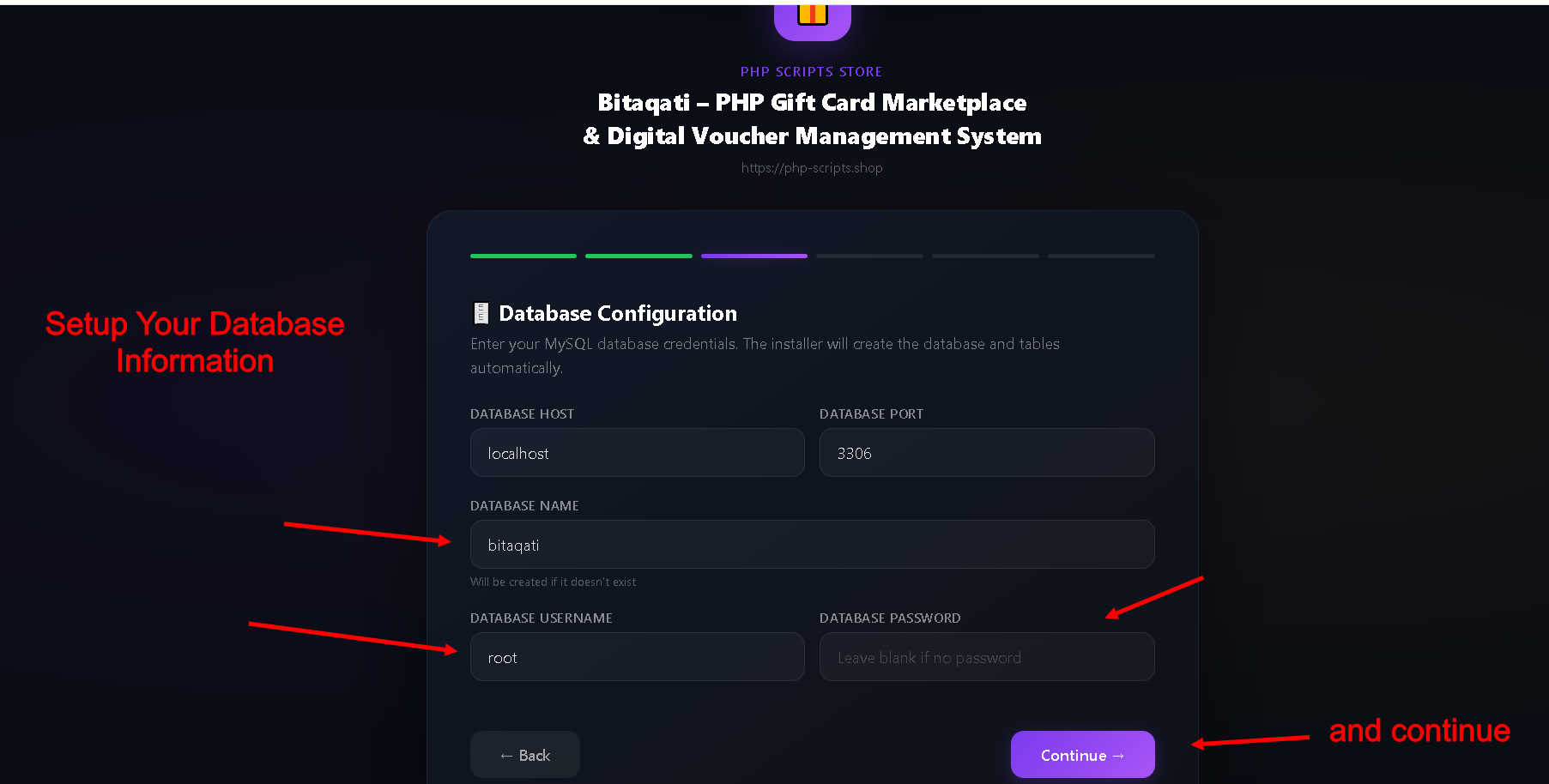
after done from setup database the step number 4 setup your admin path and information
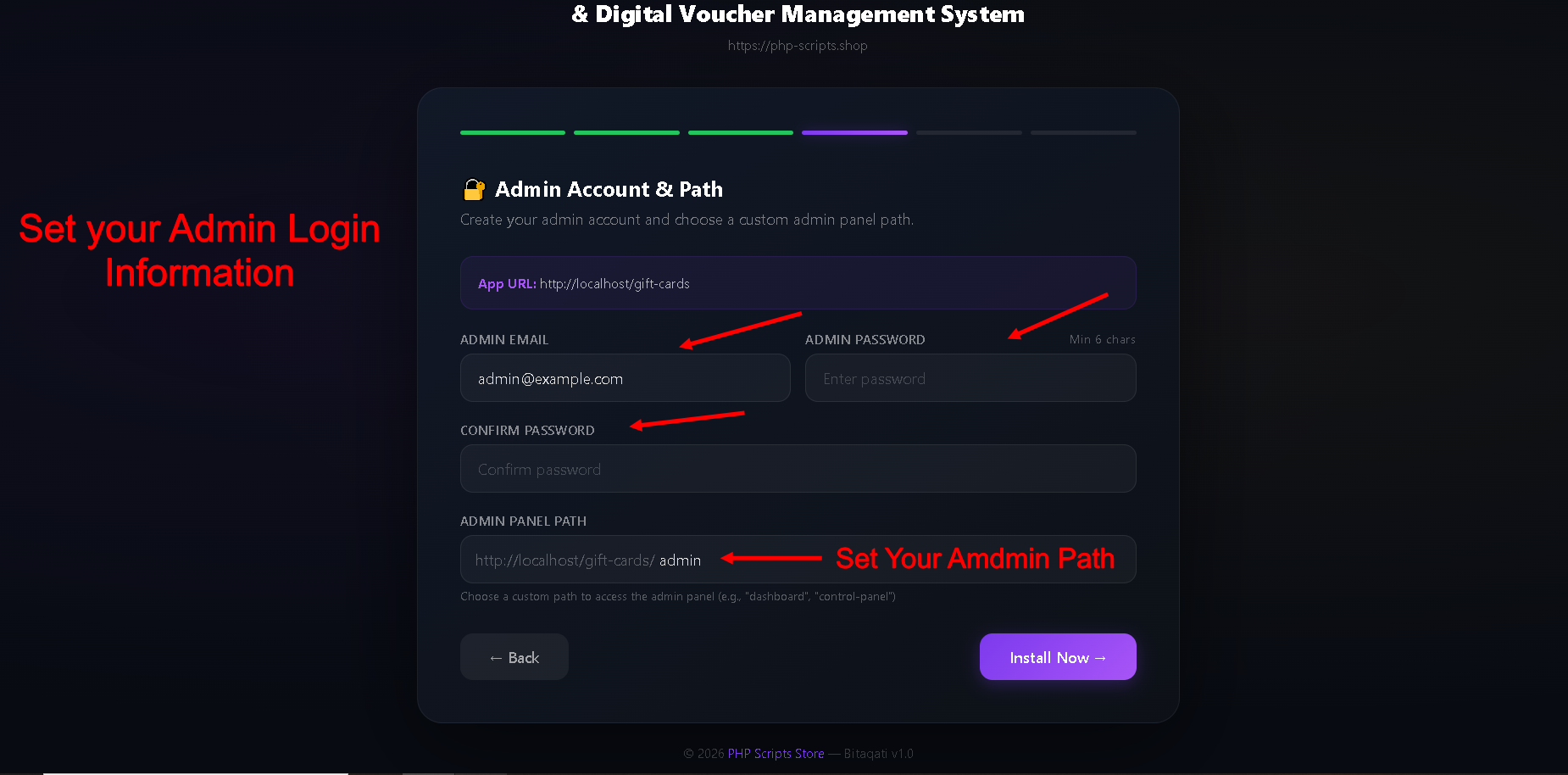
After Done now we have last step in install wizard
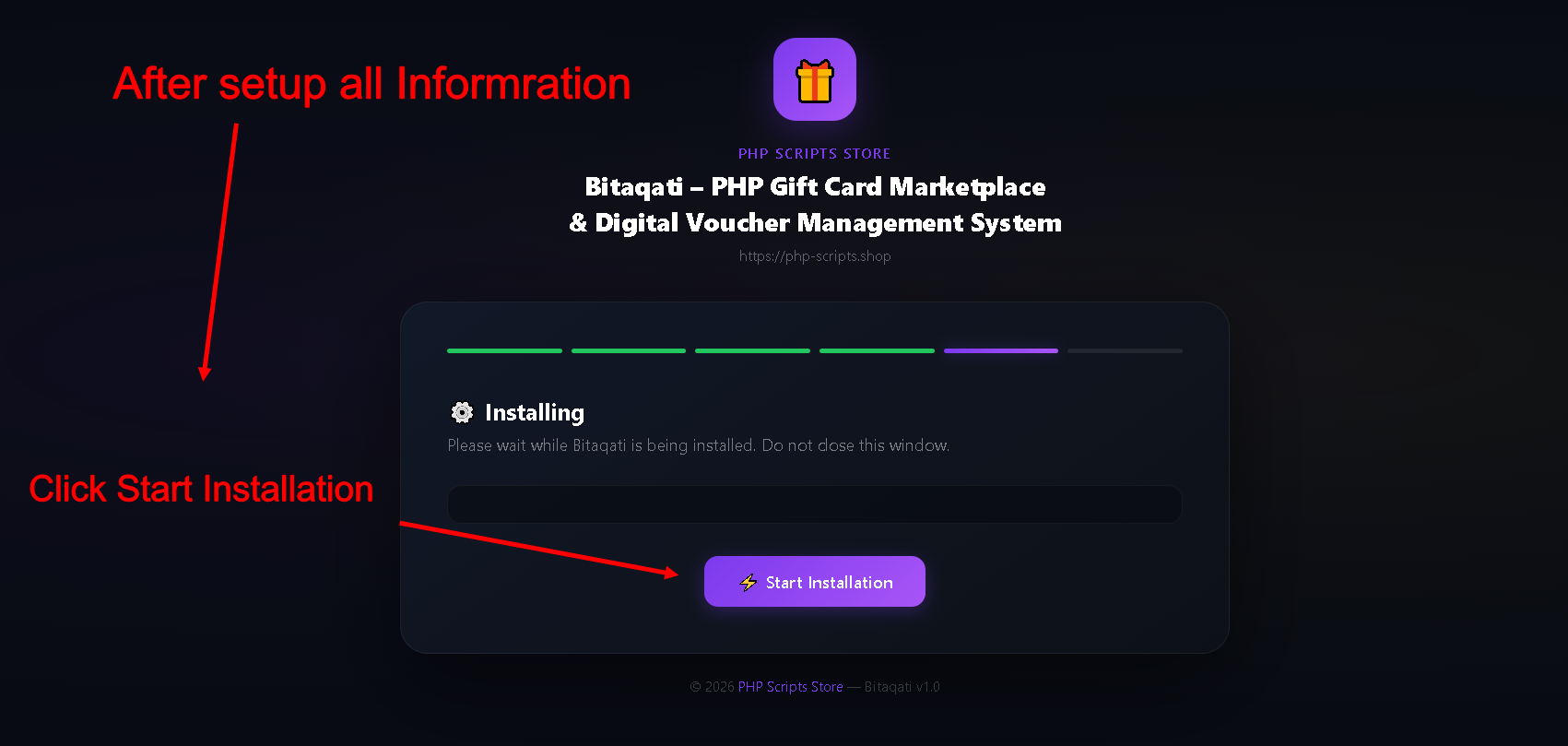
After start installation
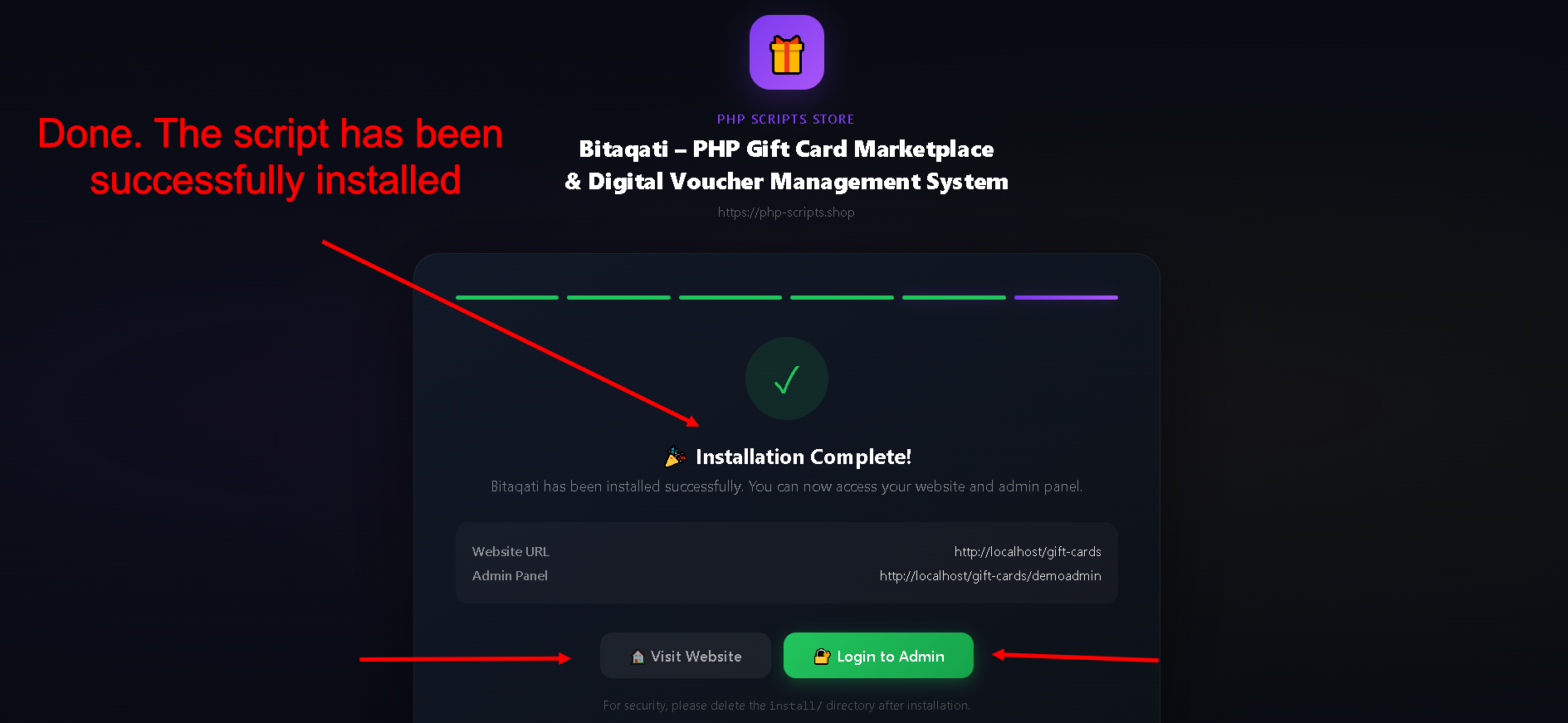
Installing script Done Now
It is very easy a Installing Thank you for purchasing from PHP Scripts